Introduction
Tunploy is a self-hosted control panel for your own WireGuard VPN servers.
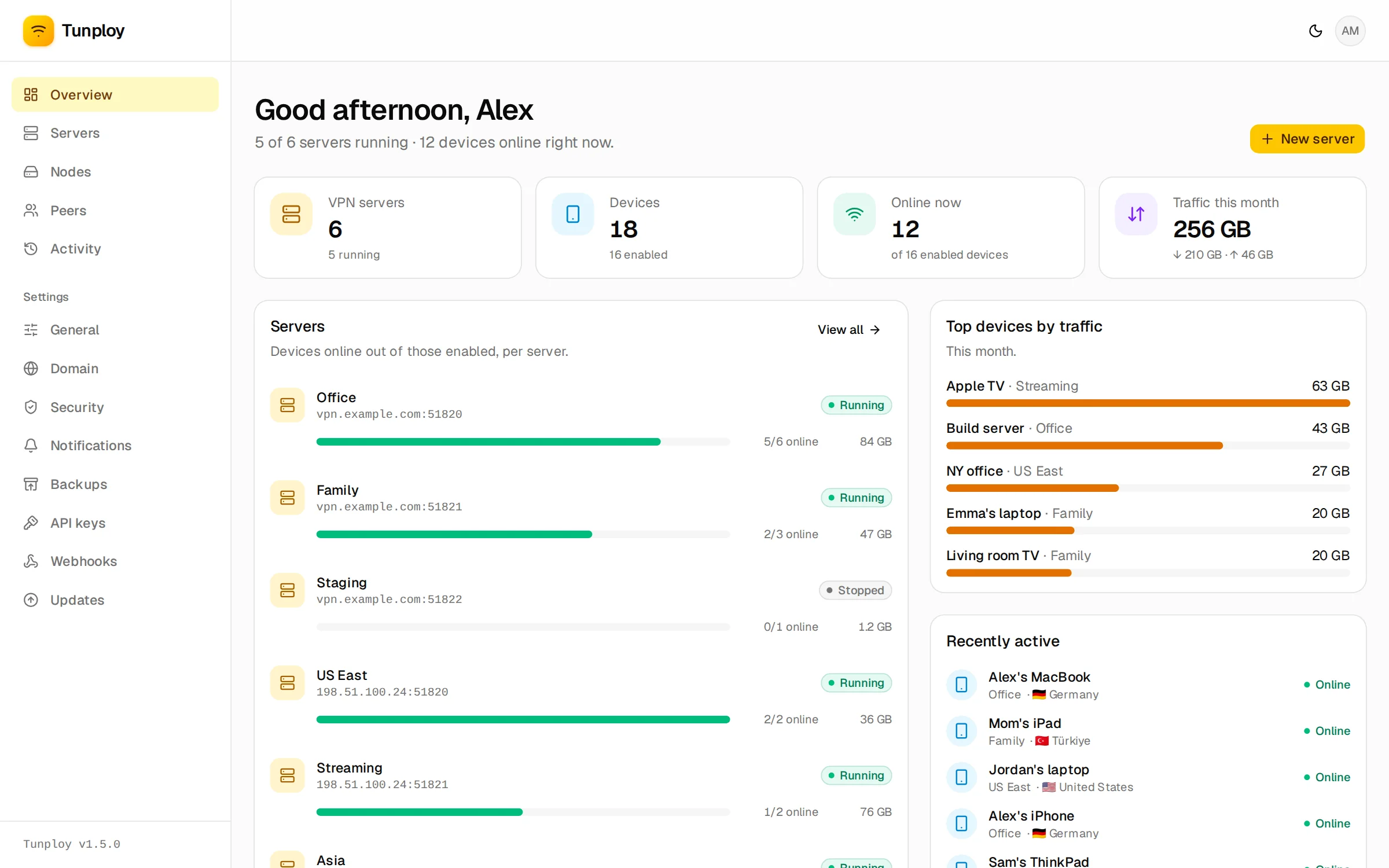
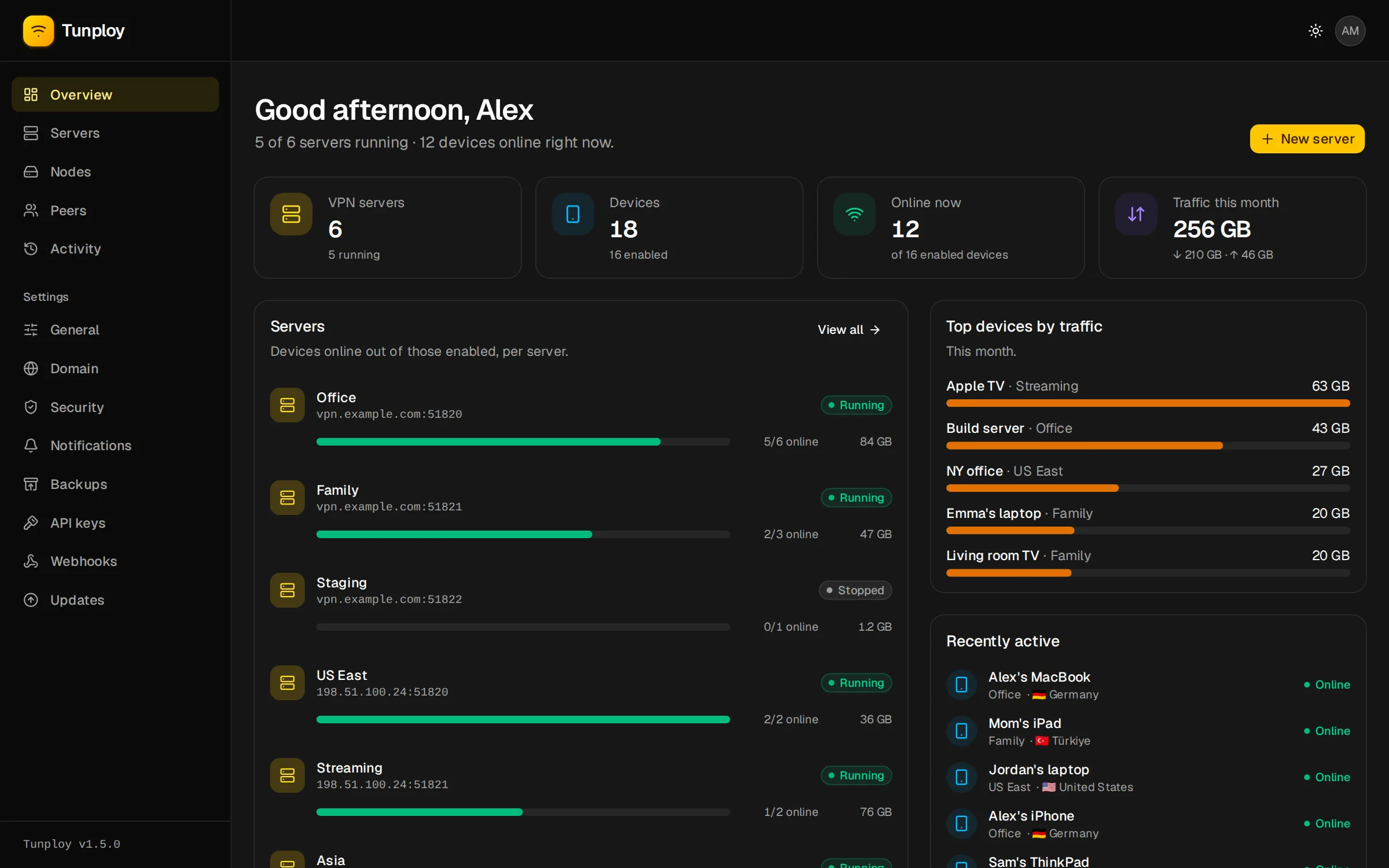
Tunploy runs as a single Docker container on your Linux server. From its web panel you spin up WireGuard servers, add devices, scan their QR codes, and see who is connected and how much they use, without ever touching a WireGuard config by hand.
Features
- One-click VPN servers. Each WireGuard server runs in its own container, on its own UDP port, with its own DNS, MTU, keepalive and allowed IPs.
- More machines from one panel. Add another VPS with its SSH login and run VPN servers there too; nothing is installed on it but Docker.
- Devices. Add a device and scan its QR code with the WireGuard app, or download its
.conf. Turn devices off, give them a data limit (per month or in total), a speed limit or an expiry date. - Share links. Send a device's owner a link to a page with its QR code, config and remaining data, with no account on the panel.
- Live status and usage. See which devices are online, from which country, and their daily and monthly traffic.
- Activity log. Connections, changes and sign-ins, in one place.
- HTTPS from the panel. Point a domain at the server and the panel gets its own Let's Encrypt certificate.
- Two-factor sign-in with any authenticator app.
- Email notifications when servers go down, devices hit their limit, sign-ins fail and more.
- Backups to your computer or any S3-compatible storage, on a schedule, optionally encrypted.
- An HTTP API with scoped keys and signed webhooks, so a billing backend, bot or script can create and manage devices and hear when they run out of data. Described in OpenAPI.
- In-panel updates that roll back on their own if the new version doesn't start.
- A
tunploycommand on the server for resetting the admin password, restoring backups, reading logs and uninstalling.
How it fits together
Tunploy is one container, the panel, with its database in /var/lib/tunploy. For every WireGuard server you create, the panel starts one more container on the same machine or on a node it reaches over SSH. VPN containers keep running while the panel restarts or updates, so connected devices stay connected.