Two-factor authentication
Ask for a code from an authenticator app when signing in.
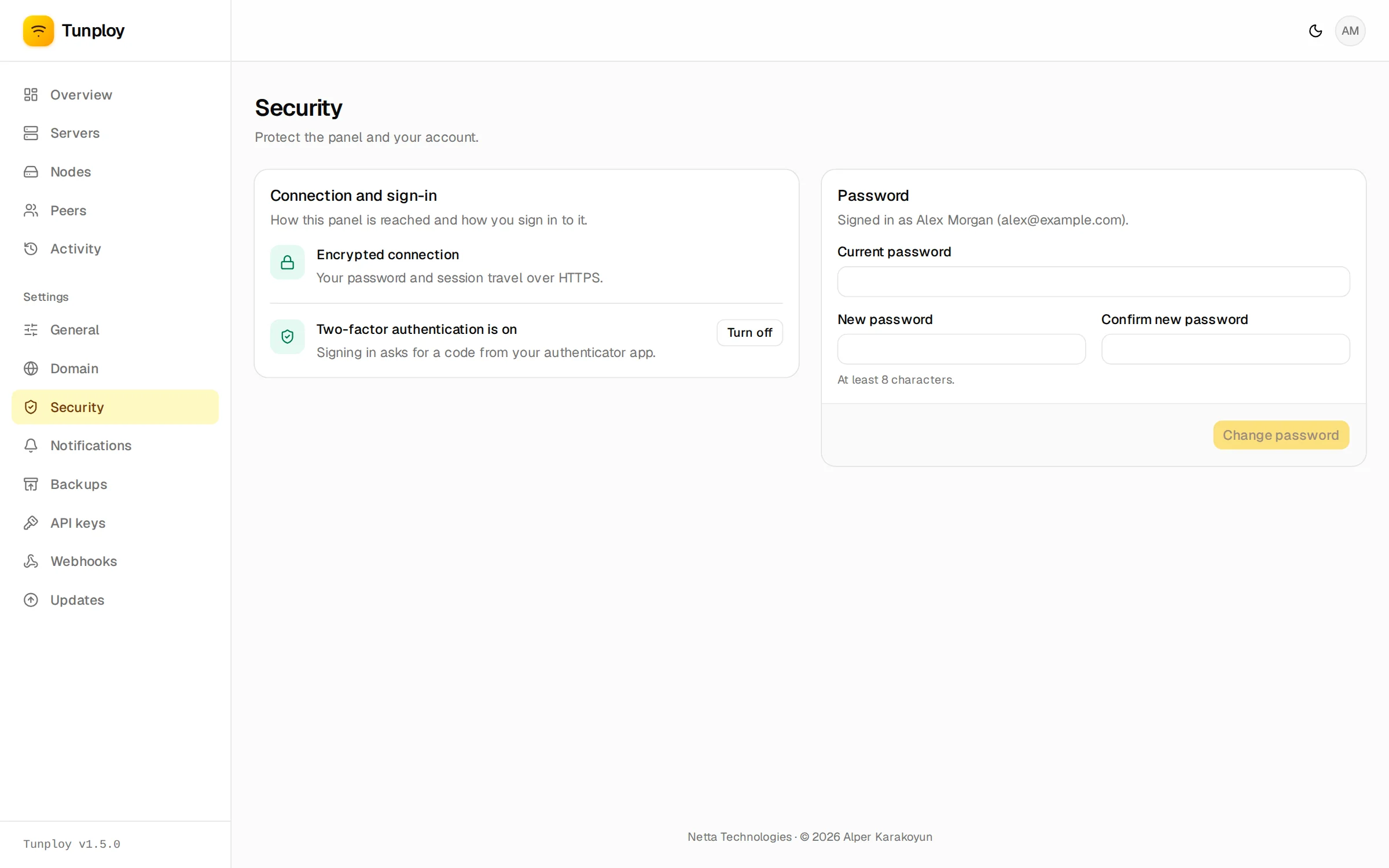
Under Settings → Security, turn on two-factor authentication and scan the QR code with an authenticator app (Google Authenticator, 1Password, Aegis, Bitwarden and so on). From then on, signing in asks for the 6-digit code from the app as well.
Turning it on signs out every other device.
Lost your phone?
If you lose the device with the authenticator app, turn two-factor sign-in off from the server:
tunploy admin disable-2fa --email [email protected]