Email notifications
Get an email when servers go down, devices hit their limit or sign-ins fail.
Under Settings → Notifications, give the panel an SMTP account and it emails you when servers go down or come back, devices are added, a device uses up its data, someone fails to sign in, and so on; you choose which.
Events that happen close together arrive as one email, and at most 30 emails go out an hour.
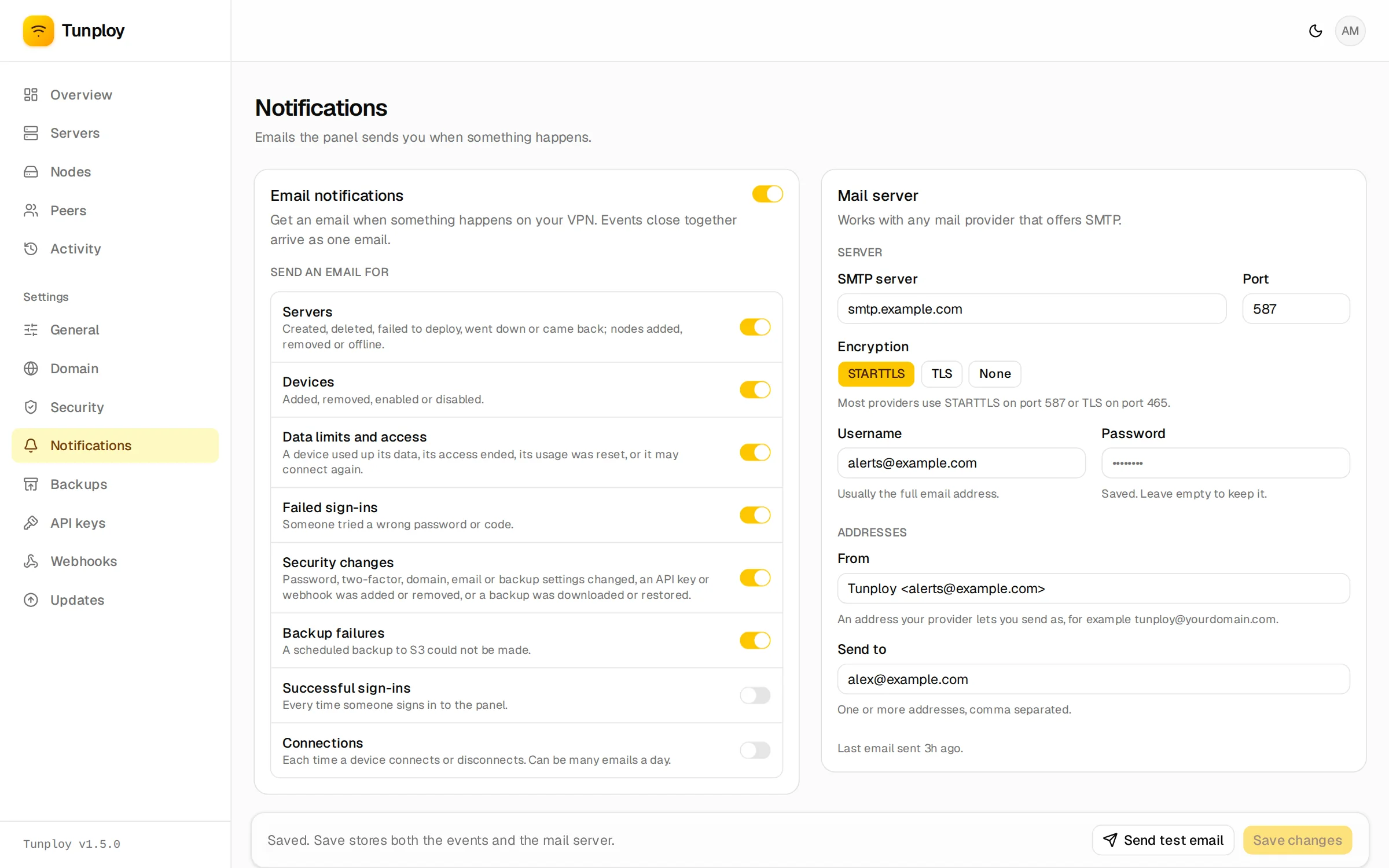
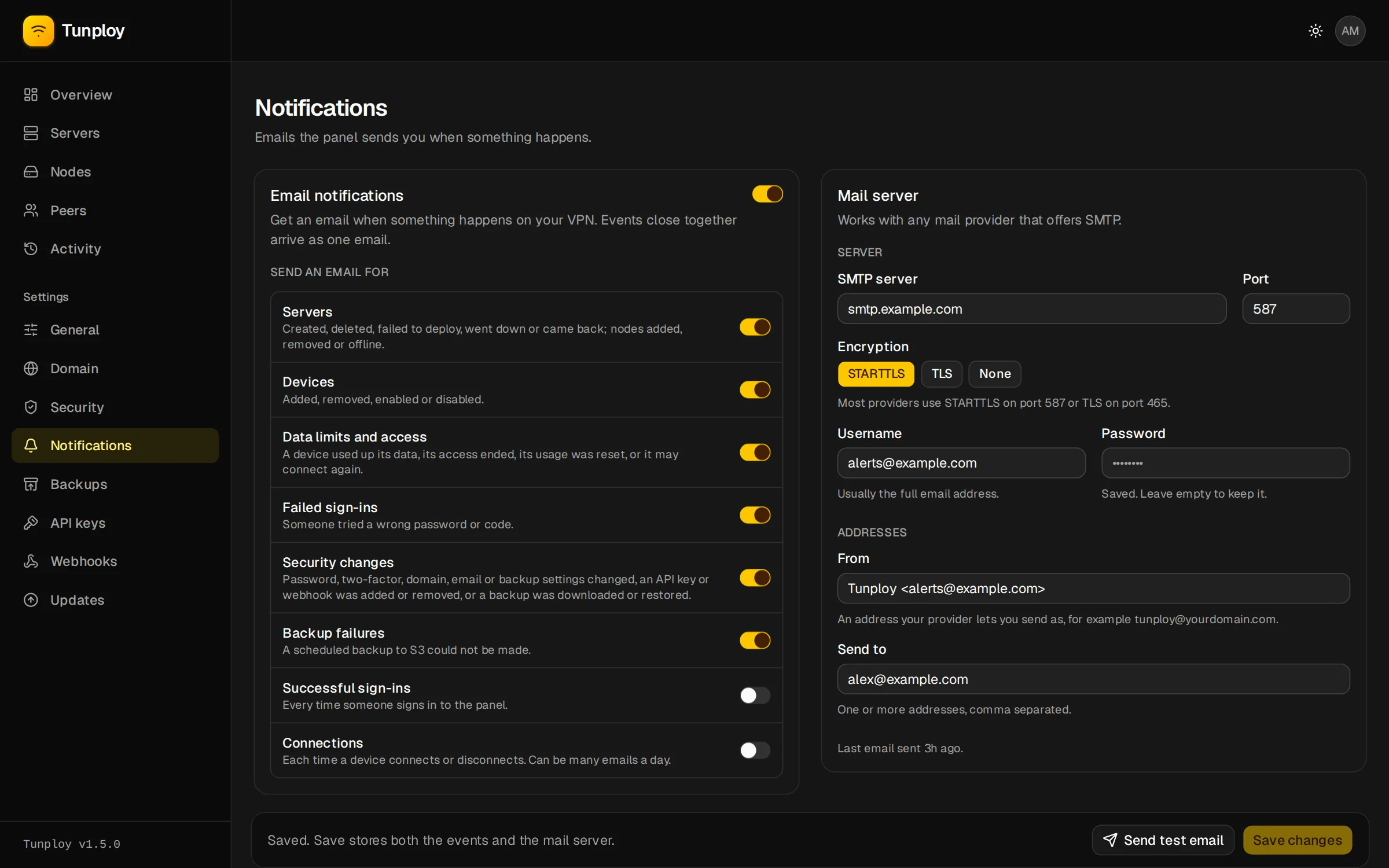
SMTP settings
Any provider that offers SMTP works:
- Use the address you send from as the username.
- Use port 587 with STARTTLS, or 465 with TLS.
- Set From to an address the account may send as.
Gmail and Outlook
They need an app password rather than your normal one.
Send test email tries the form as it is, before you save, and shows the mail server's own answer if it fails.