API overview
Manage devices and servers from your own programs with scoped API keys.
Other programs can manage devices and servers through /api/v1: a site that sells VPN access, a Telegram bot, an HR tool that gives new staff a VPN, a Terraform script.
API reference
Every endpoint with its parameters, responses and code samples.
Webhooks
Hear about events as they happen instead of polling.
Downloads:
- OpenAPI description (OpenAPI 3.1), for Postman, Swagger UI or a generated client.
- Insomnia collection with ready-made requests for every endpoint. In Insomnia, choose Import, then set
base_urlandapi_keyin the Local environment.
Authentication
Create a key under Settings → API keys, choose what it may do, and copy it; the panel shows it once and keeps only its hash. Send it as a Bearer token:
curl https://vpn.example.com/api/v1/servers -H "Authorization: Bearer tp_..."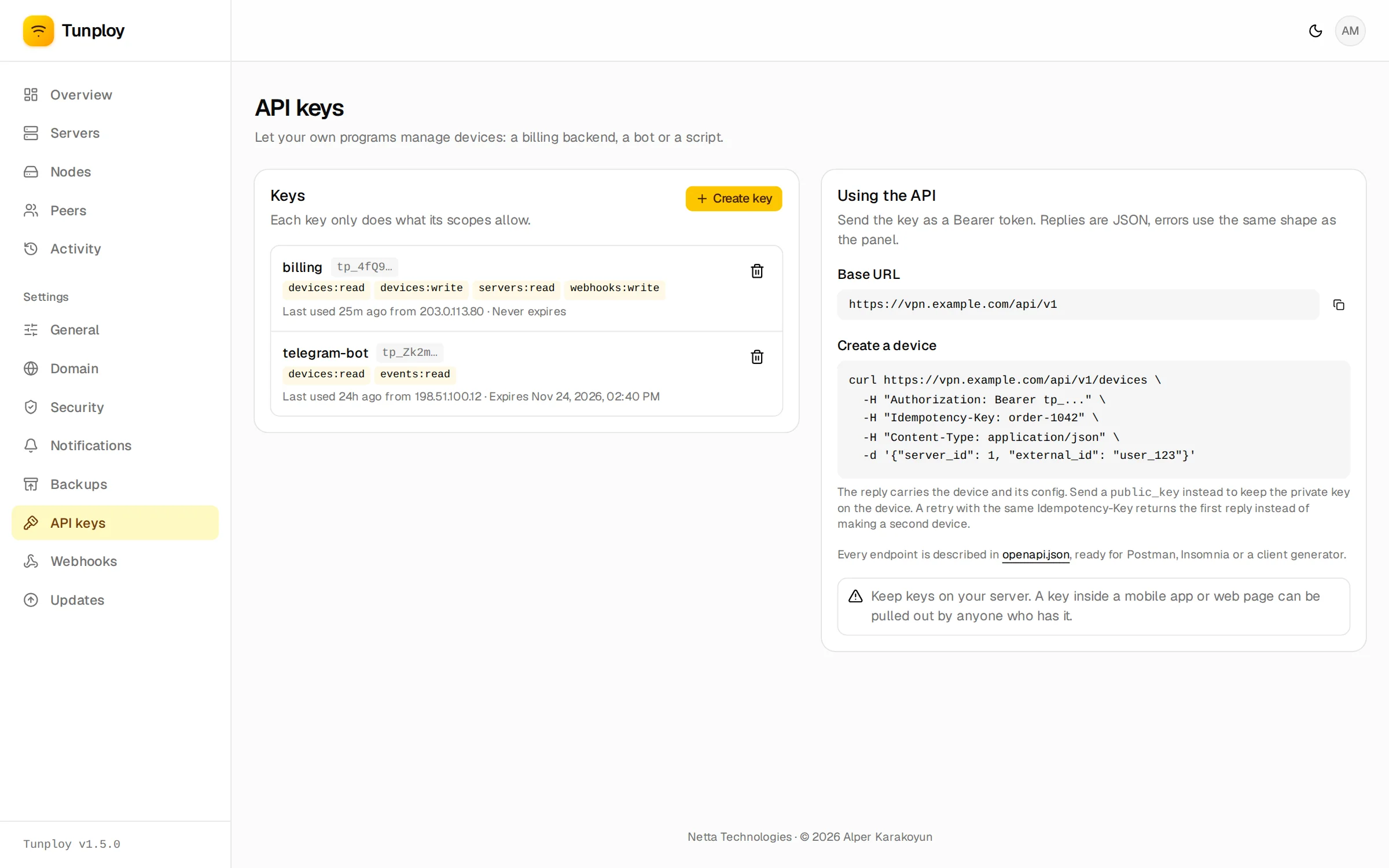
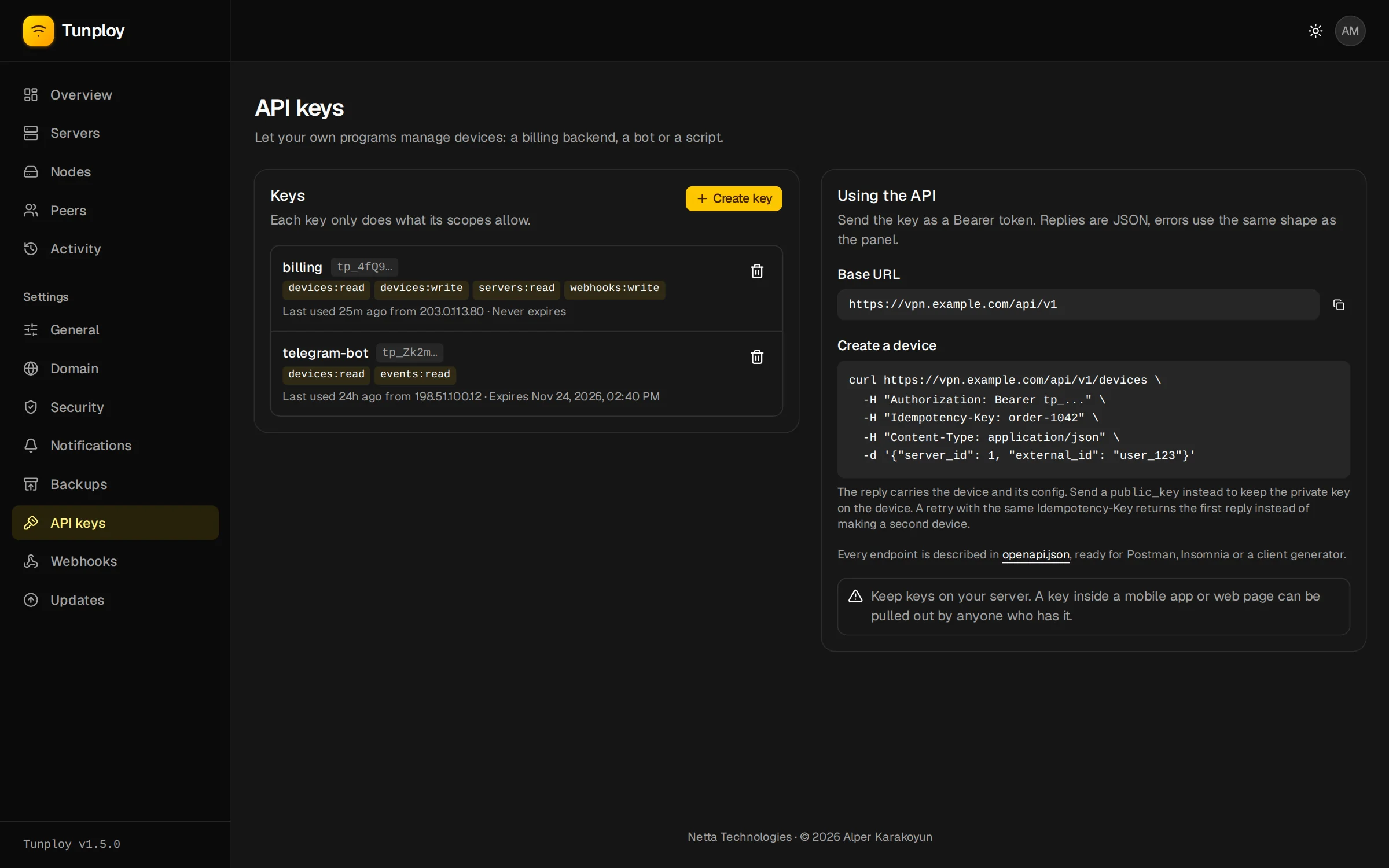
Keep keys on your own server. A key built into a mobile app or web page can be pulled out by anyone who installs it.
Scopes
| Scope | Allows |
|---|---|
devices:read | list devices, read their config (.conf or QR code) and usage |
devices:write | create, change, move, turn off and delete devices |
servers:read | list servers and nodes, their status and how many devices still fit |
servers:write | create, change and delete servers (deleting one deletes its devices) |
events:read | read device, server and node events |
webhooks:write | add, change and remove webhooks and see their deliveries |
Create a device
Creating a device returns it with its config:
curl https://vpn.example.com/api/v1/devices \
  -H "Authorization: Bearer tp_..." \
  -H "Idempotency-Key: order-1042" \
  -H "Content-Type: application/json" \
-d '{"server_id": 1, "external_id": "user_123", "data_limit": 53687091200, "expires_at": "2026-10-25T00:00:00Z"}'external_idis your own user's ID. It need not be unique, so one user can have several devices; find them with?external_id=, or change them all together through/api/v1/groups/{external_id}.metadatais any JSON object up to 4 KB, stored as given.public_key: an app that makes its own key pair sends only the public half, and the private key never reaches the panel. The returned config then has noPrivateKeyline for the app to fill in. Without it, the panel makes the keys as it does for devices added in the panel.server_idis a server's ID, or"auto"to let the panel pick one (see Locations).
Data limits
data_limit is in bytes, downloads and uploads together.
- With
limit_period: "monthly"(the default) the count starts again on the 1st of each month in the panel's time zone. - Subscriptions rarely renew on the 1st. For those, use
"total"and callPOST /api/v1/devices/{id}/usage/reseton each renewal, together with aPATCHthat movesexpires_at.
A reset lets a device that hit its limit connect again at once; its traffic history stays. Each device shows period_usage (what counts toward the limit) next to month_usage (the calendar month).
speed_limit caps a device in kbit/s, download and upload each; 0 means no limit. Like the data limit, it can be set when the device is created, changed with a PATCH, or applied to every device of a user through its group.
Share links
Instead of showing the config yourself, POST /api/v1/devices/{id}/share returns a link to a page where the device's owner scans its QR code and sees how much data is left, without an account on the panel. The page always shows the current config, so it keeps working after a move. Give the link an expires_at or leave it until you remove it; making a new one replaces the old one. Anyone with the link can use the config, so send it only to the owner.
Locations
Give each server a country and city in its settings; the country is guessed from the endpoint's IP when you create it.
An app can list GET /api/v1/servers?country=DE as "Germany" and let the user pick, then send server_id: "auto" with country: "DE" (or a city) to get the running server there with the fewest devices. No room anywhere answers no_server_available.
Moving devices
Moving a device keeps its ID, keys, limits and usage. Its address and the server's endpoint and key change, so the client needs the returned config. The panel has the same under a device's menu.
Bigger servers: a server gets a /24 (253 devices) unless you create it with a larger address such as 10.20.0.1/20, or with max_devices and let the panel pick the subnet.
Conventions
- Idempotency: an
Idempotency-Keyheader on aPOSTmakes a retry safe. The same key with the same body returns the first reply (withIdempotent-Replayed: true) instead of making a second device. Keys are remembered for 24 hours, per API key. - Lists return
{"data": [...], "has_more": true}; ask for the next page with?after=<last id>, and up to 200 at a time withlimit. - Errors look like the panel's:
{"error": {"code": "validation_failed", "message": "...", "fields": {...}}}.fieldsnames the inputs a validation error is about. A full server answersserver_full. - Rate limits: each key may make 10 requests a second, with bursts of up to 60; past that the reply is
429withRetry-After.
Changes made with a key show up in the activity log and in emails as "via API key <name>". Restoring a backup brings keys back; revoking one stops it at once.
Example: selling monthly VPN plans
A customer pays. The site's backend calls POST /api/v1/devices with server_id, external_id: "user_123", data_limit: 53687091200 (50 GB), limit_period: "total", expires_at a month away, and an Idempotency-Key of the order ID. It shows the returned config (or fetches /config?format=qr).
The plan renews. The backend calls /usage/reset and PATCHes expires_at a month further.
The customer uses up the 50 GB. Tunploy cuts the device off within ten seconds and posts device.limit_reached to the site's webhook, which emails an upgrade offer.
The customer cancels. The backend lets expires_at pass (device.expired arrives) or deletes the device.
OpenAPI
Every panel serves its full description at /api/v1/openapi.json (OpenAPI 3.1, no key needed). Load it into Postman, Insomnia or Swagger UI, or generate a client from it. The same file is available here.